You decided to include a photo. Maybe the role is in Germany, France, or Japan, where a CV photo is expected. Maybe you are attaching one to a speaker bio, a company directory, or a profile that asks for a headshot. Either way, the dimensions are the first thing a recruiter or an applicant system judges — before they read your name.
A photo that renders as a blurry 80-pixel square, or a 5 MB file that pushes your PDF past the upload limit, undermines an otherwise strong application. This resume photo size 2026 guide covers the exact pixel, DPI, and file specs that clear both automated screening and human review.
Two different specs: digital embed vs print CV
The “right” size depends entirely on where the photo lands.
- Digital resume embed — a photo attached to an online application or pasted into the header of a PDF resume submitted through an ATS. The constraints are small file size and clean parsing.
- Print CV photo — a passport-style image on a physical or print-ready CV, expected across most of Europe and Asia. The constraints are physical dimensions and print resolution (DPI).
Mixing the two up is the most common sizing error. A 300-DPI print file is overkill for an ATS header and may exceed upload limits; a 150-pixel web thumbnail looks like a smudge when printed on a German Lebenslauf.
Here is how the two compare:
| Factor | Digital resume embed (online / ATS) | Print CV photo (Europe / Asia) |
|---|---|---|
| Target market | US/UK online applications, ATS-submitted PDFs | German, French, Japanese, Korean CVs |
| Dimensions | 200–400 px on the long edge | 25×35 mm or 35×49 mm |
| Resolution | 72–150 DPI (screen only) | 300 DPI minimum |
| File size | Under 200 KB | 100–500 KB |
| Format | JPG or PNG | JPG or PNG |
| Aspect ratio | Square (1:1) or 3:4 | 5:7 head-and-shoulders |
| Placement | Top corner, under 7% of page | Top-right of personal details |
Digital resume embed: keep it small and clean
If you are submitting through an online system, the photo lives on a screen, not on paper. Recruiters view it as a thumbnail next to your name, often at 40–60 pixels tall. At that size, fine detail does not matter — clarity does.
Target these numbers:
- Dimensions: 200–400 px on the long edge. Square (1:1) or 3:4 both work; square matches the round crop many ATS and profile systems use.
- File size: under 200 KB. ATS portals and email attachments choke on heavy files, and a large image pushes your resume text down the page.
- Format: JPG for photos (smaller) or PNG if you need a transparent background. Avoid HEIC — many Windows-based ATS cannot decode it.
- Resolution: 72–150 DPI is fine for screen. DPI only affects print.
Use this quick resume photo specifications checklist before exporting: resume photo dimensions DPI rules matter only for print, resume photo pixels decide screen sharpness, cv photo 300 dpi exports need a 5:7 crop, and resume headshot file size should stay under the upload limit.
LinkedIn’s own help center recommends at least 400×400 pixels for a profile photo, with 800×800 as the practical sweet spot. The same logic applies to a resume embed: export once at 800×800, then downscale for the resume so you always keep a sharp source. For the LinkedIn-specific crop and dimensions, see our LinkedIn headshot size guide.
Print CV photo: hit the physical standard
In markets where a photo is expected, the print standard is consistent:
- Dimensions: 25×35 mm or 35×49 mm. The smaller size is common for printed CVs; some government and corporate application portals ask for the larger version.
- Resolution: 300 DPI minimum. Below that, the printed face looks soft and amateurish next to other applicants’ sharp photos.
- File size: 100–500 KB. Large enough to stay sharp, small enough to upload.
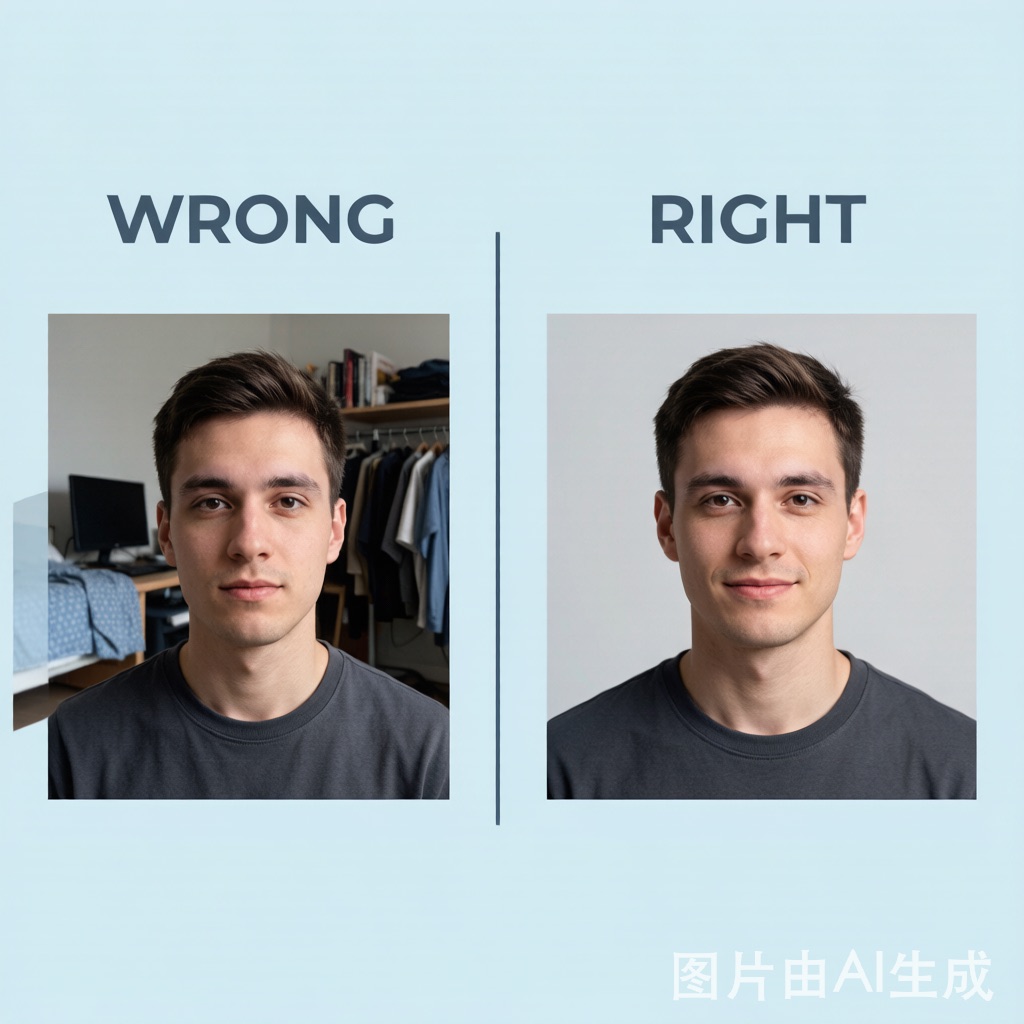
- Background: solid white, light gray, or light blue. Busy or dark backgrounds fail most formal CV standards.
- Aspect ratio: 5:7, head-and-shoulders, face occupying roughly 60% of the frame.
The University at Buffalo’s career services guide for taking a professional headshot recommends positioning the camera about three inches above eye level and using a plain neutral wall — the same setup that produces a CV-ready frame.
Resolution, DPI, and pixels — what each number means
These three terms get confused, and the confusion is what produces wrong-sized photos.
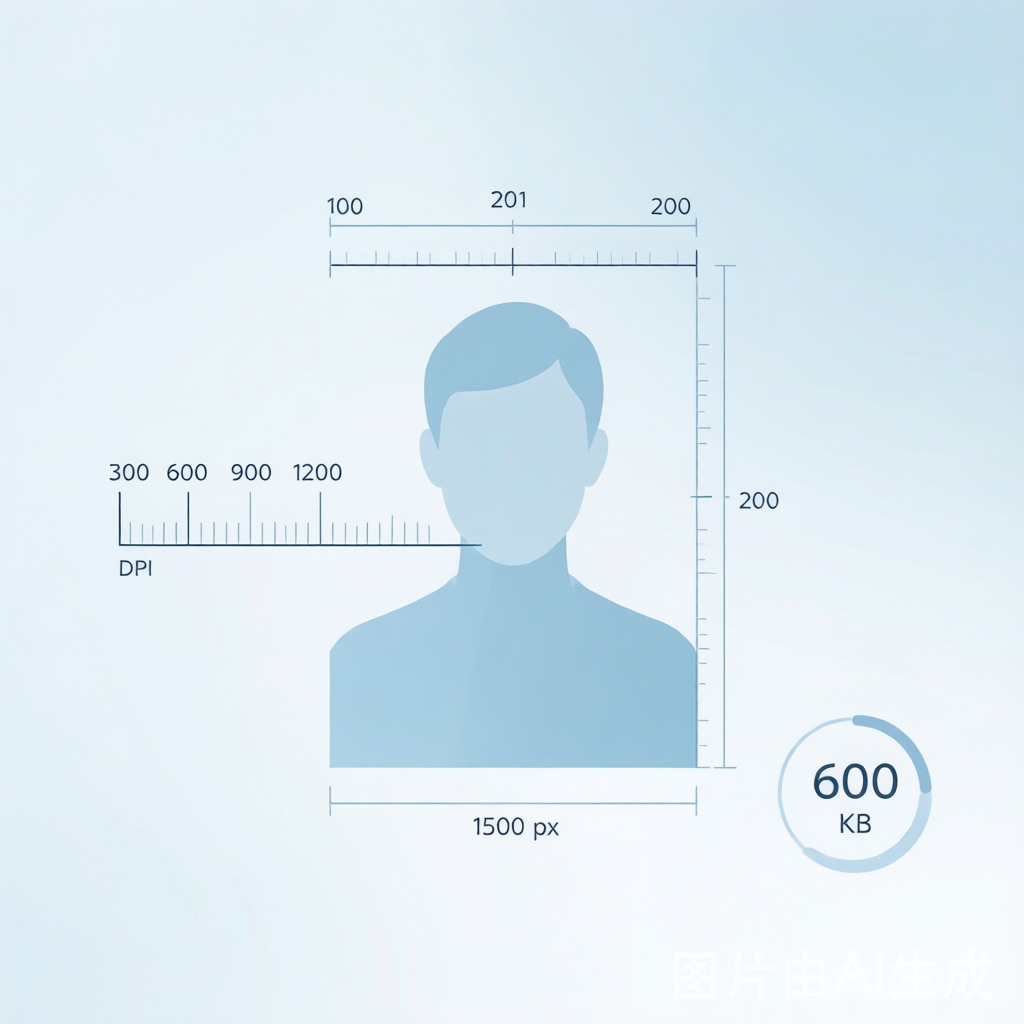
- Pixels are the actual dots in the image. A 400×400 photo has 160,000 pixels. This is what controls how the photo looks on a screen.
- DPI (dots per inch) is how many of those pixels get printed into one inch of paper. A 250-pixel-wide photo printed at 300 DPI is only 0.83 inches wide, or about 21 mm — too small even for a 25 mm CV photo. A 400-pixel-wide source is enough for 25×35 mm, while 35×49 mm needs about 413 pixels of width at 300 DPI. The same 400 pixels printed at 72 DPI span 5.5 inches — fine for screen, fuzzy on paper.
- File size (KB/MB) is how much storage the image takes. It is driven by dimensions, format, and compression — not by DPI directly.
The practical rule: shoot at the highest resolution your phone allows (typically 1000+ px wide), then export the two versions you need. You cannot add resolution back after the fact, but you can always downscale.
How to get the size right (without a studio)
You do not need a photographer to hit these specs. The workflow is the same whether the photo ends up on a resume or a CV:
- Shoot at the highest resolution your phone allows. Use the rear camera, natural window light, and a plain wall a few feet behind you.
- Crop to head-and-shoulders. Leave a little space above the head. Your face should fill about 60% of the frame.
- Export two versions. One at 800×800 JPG (under 200 KB) for digital embeds. One at 300 DPI, 25×35 mm or 35×49 mm with a 5:7 crop, for print CVs.
- Check it at thumbnail size. If you cannot recognize yourself at 50 pixels tall, neither can a recruiter.
Expression matters as much as size. Peter Hurley, a headshot photographer who has trained thousands of professionals, breaks confident posture down to one move — the “squinch,” a slight squint that reads as self-assured rather than surprised. Watch the technique here:
Sizing mistakes that sink an application
Oversized file. A 3–5 MB photo makes your PDF sluggish to upload and can trip email filters. Keep digital embeds under 200 KB.
Wrong DPI for the medium. Sending a 72-DPI web image to a print CV looks pixelated on paper. Sending a 300-DPI file into an ATS header wastes space and may be rejected.
HEIC format. iPhones shoot HEIC by default. Many ATS and older Windows systems cannot read it. Switch the camera to “Most Compatible” (JPG) before shooting, or convert before attaching.
Distorted crop. A tight head-only crop or a stretched aspect ratio looks unprofessional. Keep the 5:7 head-and-shoulders frame for print CV photos.
Photo that crowds the layout. On a digital resume, the image should take less than 7% of the page. If it pushes your experience section down, it is too big.
When size does not matter (because the photo should not be there)
In the US, UK, Canada, and Australia, most employers do not expect a resume photo, and many discard resumes with one to avoid discrimination claims under equal-employment law. In those markets, the right “size” is zero — leave it off and put the effort into your LinkedIn photo instead. Our full resume photo best-practices guide summarizes the sourced US, UK, and Germany guidance on when to skip or consider a photo; it does not cover every country.
If you do need a photo, HeadshotAI’s resume preset generates a correctly framed, neutral-background headshot from one selfie — and you can review a watermarked preview before committing, so the size and crop are right before you export. For industry-specific framing and attire, the headshot requirements by scenario guide breaks down what each role expects.
FAQ
What size should a resume photo be in 2026? For a digital resume embed, aim for 200–400 px on the long edge at under 200 KB. For a print CV (common in Europe and Asia), use 25×35 mm or 35×49 mm at 300 DPI with a 5:7 crop.
How many DPI does a CV photo need? 300 DPI minimum for print. DPI does not affect a screen-only digital embed, where 72–150 DPI is sufficient.
What file format should a resume photo use? JPG or PNG. Avoid HEIC — many ATS and Windows systems cannot decode it. Use square or 3:4 for digital embeds, and 5:7 for print CV photos.
Should the resume photo be square, 3:4, or 5:7? Square or 3:4 works for a digital embed; square matches round profile crops. For a print CV, use a 5:7 head-and-shoulders crop.
Can a wrong-sized photo hurt my application? Yes. An oversized file can fail upload limits or trip email filters; a low-DPI print photo looks unprofessional next to sharper applicants. Keep digital under 200 KB and print at 300 DPI.
References
- LinkedIn Help Center — Profile photo guidelines
- University at Buffalo Career Services — Taking a Professional Headshot